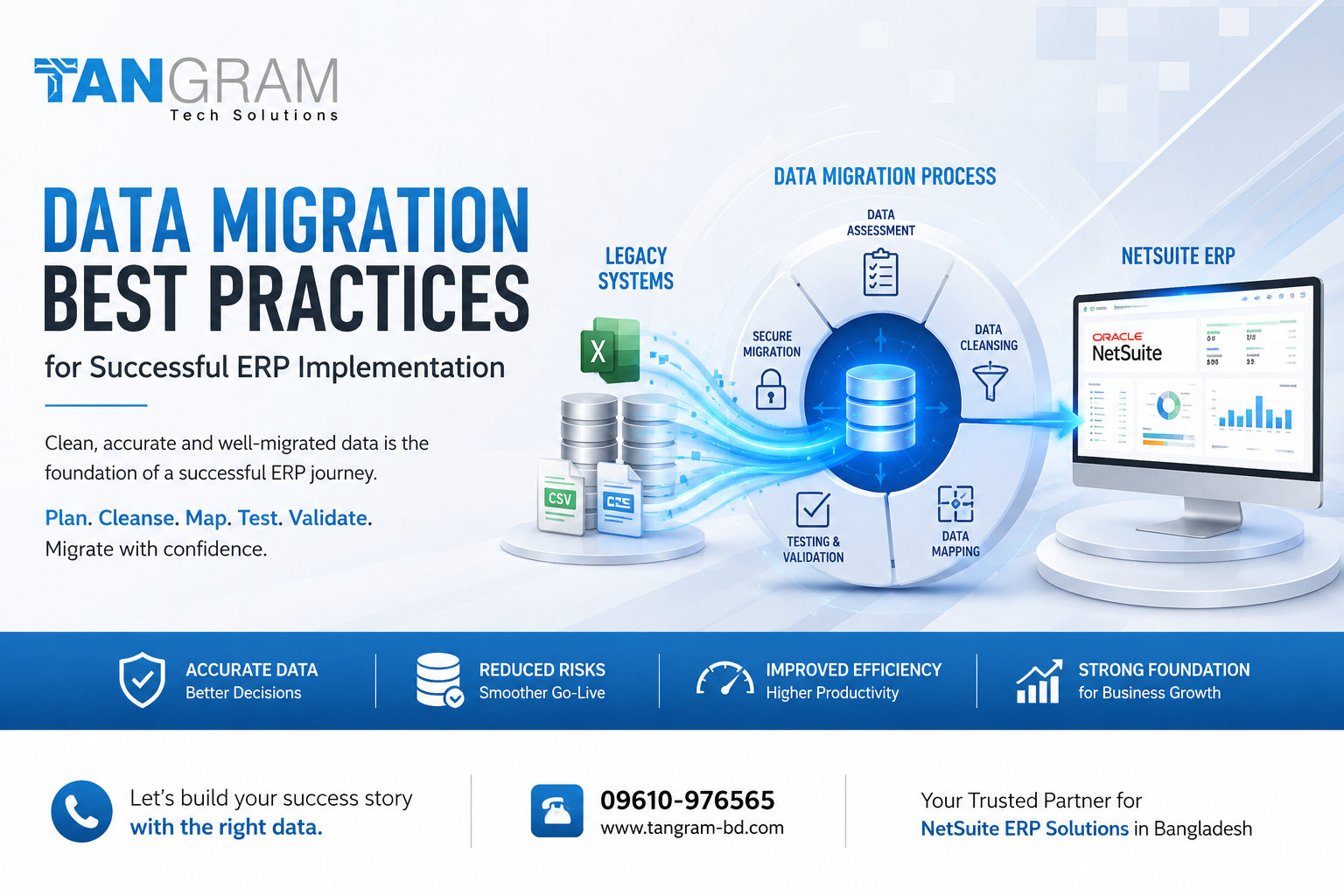
Data Migration Best Practices for a Successful ERP Implementation
Choosing a new ERP system is an important decision for any growing business. It can improve the way a company manages finance, sales, inventory, customers and daily operations. But there is another part of an ERP project that deserves just as much attention: moving the company’s existing data into the new system.
Data migration may sound like a technical task, but it can have a direct impact on how smoothly the new ERP works after launch. Customer information, supplier records, product details, inventory, invoices and financial data all need to be transferred correctly. If the information is incomplete, duplicated or incorrectly structured, those problems can continue into the new system.
For businesses in Bangladesh planning to adopt ERP software or NetSuite ERP, proper data migration should be treated as an important part of the overall implementation plan.
Understand Your Existing Data First
Before moving data, take time to understand what the business already has.
Many companies keep information across different places. Some data may be in accounting software, some in Excel files, while customer or inventory information may be stored in separate applications. Older records may also contain duplicate, incomplete or outdated information.
Start by identifying where the data comes from and which information the business actually needs in the new ERP. Not everything has to be moved.
For example, old customer records that are no longer relevant may be archived instead of being imported. The same approach can be applied to outdated product records, inactive suppliers and unnecessary historical information.
This simple review can make the migration process easier and help keep the new ERP clean from the beginning.
Clean Your Data Before Moving It
One of the biggest mistakes businesses can make is moving poor quality data directly into a new ERP.
If your existing database contains duplicate customers, inconsistent product names, incorrect contact details or incomplete records, those problems will not disappear after migration.
Data cleansing should therefore happen before the migration. Remove duplicates, correct obvious errors, standardize important fields and check for missing information.
Financial and inventory data deserve particular attention. Even a small error in stock quantities, account balances or outstanding invoices can create confusion once the new ERP becomes the main source of business information.
A good ERP implementation is not simply about moving more data. It is about moving the right data in the right condition.
Map the Data Carefully
Your existing system and your new ERP may organize information differently. This is where data mapping becomes important.
Before migration, decide where each important piece of information will go in the new system. Customer fields, supplier records, product categories, account structures, payment terms and tax information may all need to be mapped to the appropriate fields.
A clear mapping document gives both the business team and implementation team a common reference. It also helps identify information that may need to be changed or reformatted before it can be imported.
This step may take some time, but it can prevent much bigger problems later.
Test the Migration Before Going Live
Never wait until the final migration to find out whether your data works properly in the new ERP.
A test migration gives the team an opportunity to identify problems while there is still time to fix them. After importing a sample or test dataset, review the information carefully and compare it with the original records.
Check important areas such as customer counts, inventory quantities, supplier balances, invoices and financial figures.
It is also important to involve the people who will actually use the system. A finance employee may notice an accounting issue that a technical team misses. An inventory manager may identify a problem with product units or stock quantities. These practical checks can make a major difference before the system goes live.
Reconcile Important Information
Successful migration does not simply mean that the data has been imported.
The business should confirm that important figures in the new ERP match the original system. Financial balances should be checked, inventory quantities should be verified and customer and supplier records should be reviewed.
If the old system shows one inventory balance and the new ERP shows another, the difference needs to be understood before the company starts using the new system for daily operations.
Finding and correcting these differences during testing is much easier than dealing with them after the ERP has gone live.
Plan the Final Cutover
The final migration requires careful timing.
The business needs to decide when transactions will stop in the old system, when the final data will be extracted, when it will be imported into the new ERP and who will approve the final results.
It is also important to keep backups and have a clear plan for dealing with unexpected issues. A proper cutover plan reduces confusion and helps different teams understand what they need to do on the day of the transition.
For companies planning a NetSuite ERP implementation in Bangladesh, an experienced implementation partner can help coordinate these activities and reduce unnecessary disruption to the business.
Make Data Migration a Team Effort
Data migration should not be left entirely to the IT department.
The people who work with the data every day understand its importance and how it is used. Finance teams know which financial information must be accurate. Sales teams understand customer records. Procurement and inventory teams know which product and supplier information is essential.
Bringing these teams into the migration process helps the business identify problems early and ensures that the new ERP reflects the way the company actually operates.
Final Thoughts
A successful ERP implementation depends on more than selecting the right software. The quality of the data entering the new system also matters.
By reviewing existing information, cleaning unnecessary or incorrect records, mapping data carefully, testing the migration and validating important figures, businesses can avoid many of the common problems associated with ERP data migration.
For businesses in Bangladesh considering ERP software, NetSuite in Bangladesh or a complete NetSuite ERP solution, data migration should be planned from the beginning rather than treated as a final technical task.
With the right preparation and support from an experienced NetSuite Business Solution Provider, businesses can move their data with greater confidence and start using their new ERP with reliable information from day one.