
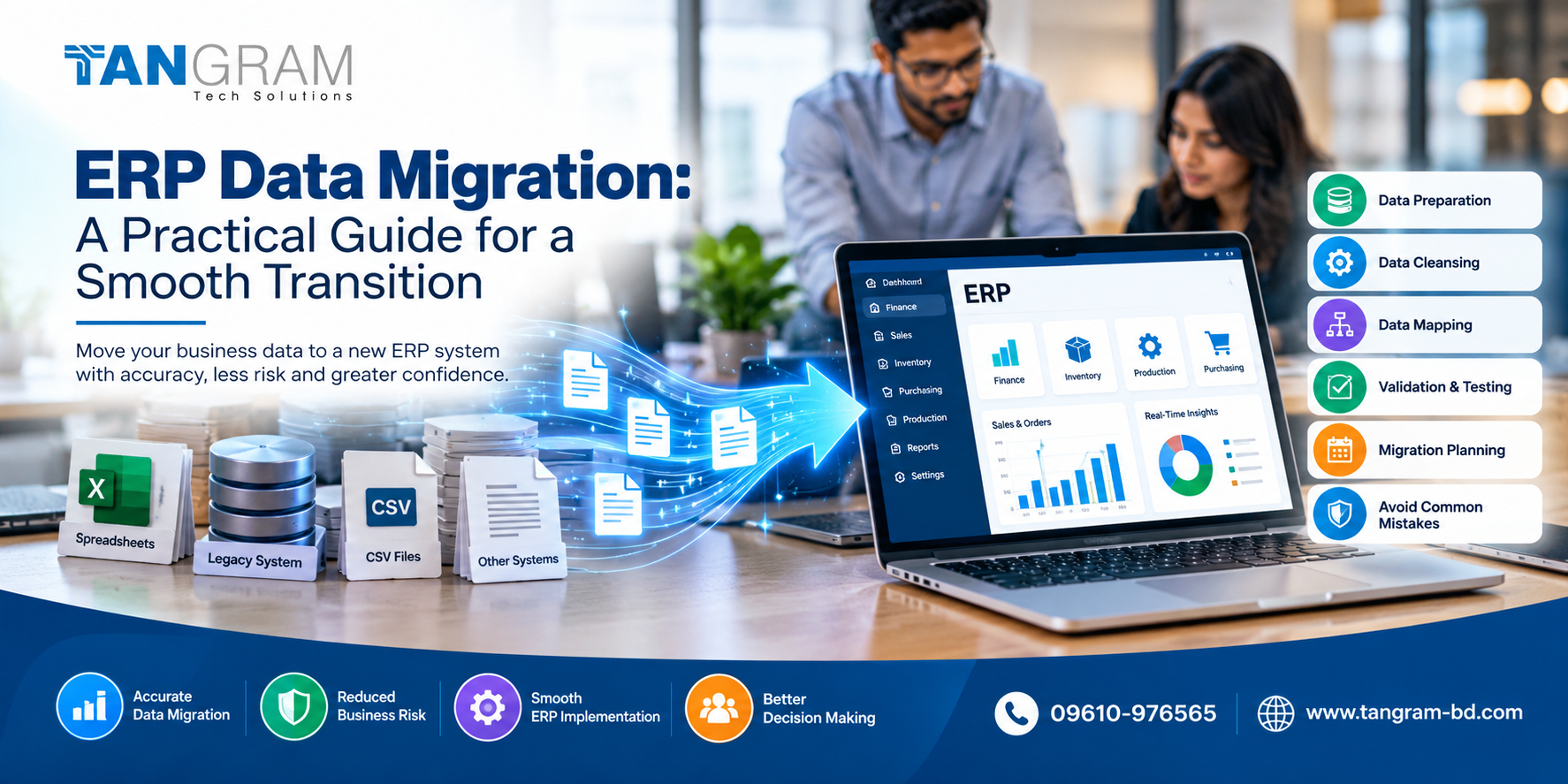
ERP Data Migration: A Practical Guide for a Smooth Transition
Moving to a new ERP system involves more than installing software and setting up user accounts. A business also needs to transfer its existing data, including customer records, supplier information, inventory, financial balances and outstanding transactions. If this information is incomplete or inaccurate, it can create problems for employees from the very first day.
ERP data migration is the process of preparing and transferring business information into a new ERP system. When handled properly, it helps businesses start with reliable records and avoid unnecessary disruption during implementation.
For companies in Bangladesh planning to adopt ERP software or Oracle NetSuite, a well organised migration process can make the transition considerably easier.
1. Understand What Needs to Be Transferred
Before moving any data, take a close look at the systems your business currently uses. Important information may be spread across accounting software, spreadsheets, inventory applications and older databases.
Identify the records your team needs in the new system. These may include customer and supplier details, product information, stock balances, open sales orders, unpaid invoices and financial records.
Not every old record needs to be transferred. Some information may be outdated or no longer relevant to daily operations. Reviewing it beforehand helps keep the migration manageable and gives employees a cleaner starting point.
2. Clean the Data Before Migration
Moving inaccurate information into a new system does not solve existing data problems. It simply transfers them.
Duplicate customer accounts, inconsistent product codes, missing contact details and incorrect stock records can all affect business operations. Data cleansing helps identify these issues before the transfer begins.
Review important records, standardise formats and remove unnecessary duplicates. Where information conflicts, ask the relevant department to confirm which version is correct.
Taking the time to clean the data early can save considerable effort after the new ERP system goes live.
3. Map the Data Correctly
The structure of your existing software may be different from that of the new ERP system. A field used to identify a product in one application, for example, may not correspond directly to the same field in another.
Data mapping establishes how information from the old system should fit into the new one. This includes account codes, product categories, customer identifiers, inventory units and financial balances.
Your implementation team should document these rules and review them with the people who understand the business data. Clear mapping reduces the risk of information being transferred to the wrong place or interpreted incorrectly.
4. Validate and Test the Results
Once the data has been transferred, check that it is accurate and complete. Do not assume the migration has succeeded simply because the records appear in the new system.
Compare important totals and sample records between the old and new environments. Pay particular attention to inventory quantities, customer balances, supplier liabilities and outstanding transactions.
Testing should also reflect everyday work. Employees should be able to locate records, review stock, process orders and access the reports they need.
A trial migration is particularly useful because it reveals errors while there is still time to correct them.
5. Plan the Transition Around Business Operations
Timing can make a significant difference to a migration project. Businesses need to decide when data will be extracted, how new transactions will be handled during the transfer and when employees will begin using the new system.
Assign responsibilities to the internal team and implementation partner. Keep secure backups of the original records and establish a clear process for reporting and resolving problems.
A practical go live plan should also explain what happens if the migration encounters a serious issue. Having agreed procedures in place helps the team respond calmly rather than making rushed decisions.
Common ERP Data Migration Mistakes to Avoid
Some migration problems arise because businesses focus on the technical transfer but overlook the people and processes involved.
Transferring unverified data, ignoring duplicate records, failing to reconcile financial balances and leaving testing until the last minute can all create avoidable difficulties.
It is also important to involve the departments that use the information every day. Finance should review financial records, the inventory team should check stock data, and sales and purchasing teams should confirm their respective records.
Their feedback helps ensure that the new system reflects actual business requirements.
Choosing the Right ERP Implementation Partner
For businesses evaluating NetSuite ERP Bangladesh, data migration should be an important part of the implementation discussion. The work involved depends on the quality of existing records, the number of systems involved and the company’s reporting and operational requirements.
Tangram Tech Solutions supports businesses with NetSuite implementation, customization, integration, data migration, training and ongoing support. Careful planning and collaboration with the implementation team can help businesses prepare for the transition and reduce the risk of avoidable data problems.
Conclusion
A successful ERP data migration starts well before the actual transfer. Reviewing existing records, cleaning inaccurate information, mapping fields correctly and testing the results all help establish a reliable foundation for the new system.
Businesses that involve the right people and plan the transition carefully are better prepared to avoid disruption and maintain confidence in their data.
Planning an ERP implementation in Bangladesh?
Visit www.tangram-bd.com to learn more about Tangram Tech Solutions and its NetSuite ERP services.
Telephone: 09610-976565