
Bank reconciliation is one of the most important controls in accounting. It is also one of the most time-consuming. Many finance teams in Bangladesh still download bank statements, copy them into Excel, and tick off each line by hand. This takes days at month-end, and mistakes are easy to miss. NetSuite bank reconciliation changes this. It brings bank data into your ERP, matches most lines automatically, and leaves your team to review only the exceptions.
In this article, we explain 8 practical benefits of NetSuite bank reconciliation, how it works, and what it means for businesses in Bangladesh.
How NetSuite Bank Reconciliation Works
The process in Oracle NetSuite has three simple stages:
- Import bank data – Upload a bank statement file (such as CSV or MT940), or use a supported automatic import option.
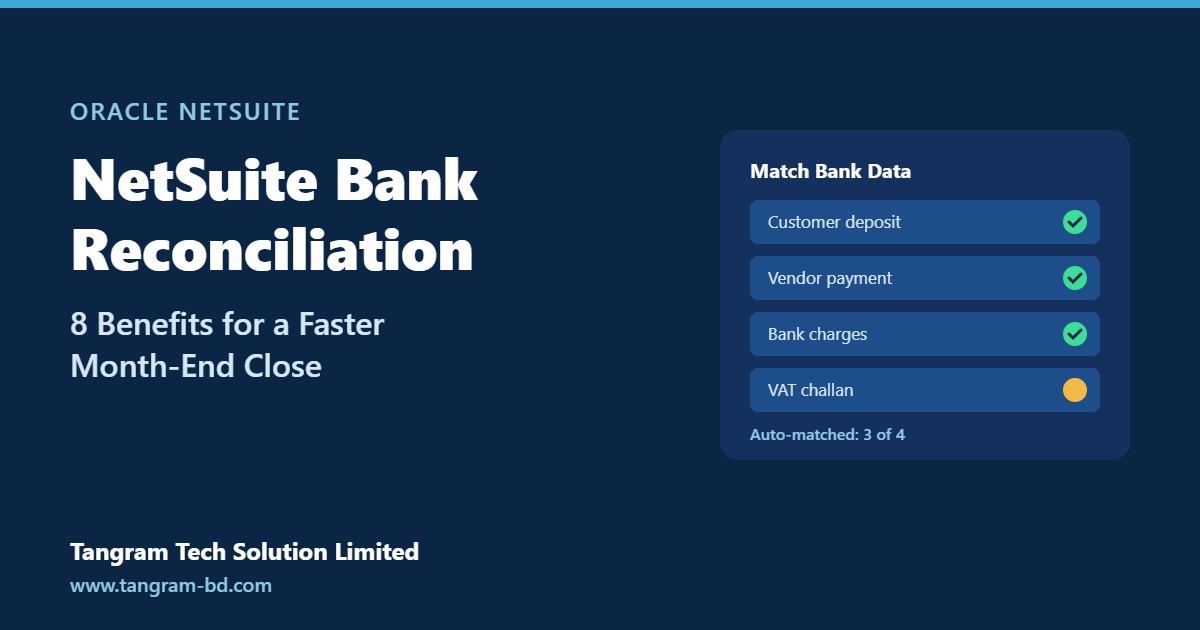
- Match bank data – On the Match Bank Data page, NetSuite shows imported bank lines and your NetSuite transactions side by side. Reconciliation rules match most of them automatically.
- Reconcile the statement – On the Reconcile Account Statement page, you confirm the matched items and complete the reconciliation for the period.
The engine behind this is called Intelligent Transaction Matching. You can read the technical details in the official NetSuite documentation on bank data matching and reconciliation.
8 Benefits of NetSuite Bank Reconciliation
1. Automatic Matching Saves Hours Every Month
When bank data is imported, NetSuite runs its built-in system rules to match bank lines with existing transactions, for example by amount, date, and check or reference number. Your team no longer needs to compare hundreds of lines manually. They only review what the system could not match.
2. Custom Matching Rules for Your Own Business
Every business is different. NetSuite lets you create your own matching rules and decide the order in which they run. You can apply one rule to several bank accounts. This is useful when your bank uses its own reference format for customer deposits or vendor payments.
3. Auto-Create Rules for Bank Charges and Recurring Items
Bank charges, SMS fees, and interest often appear on the statement but not in the books. With auto-create rules, NetSuite can create and match these transactions for you. They do not post to the general ledger until you submit them, so you stay in control.
4. Faster Month-End Close
Bank reconciliation is usually one of the last tasks before closing the books. When most matching is done automatically during the month, the closing work becomes much shorter. This supports a faster and more reliable month-end close for your finance team.
5. Fewer Errors and Better Fraud Control
Manual reconciliation in spreadsheets can hide errors such as duplicate entries, wrong amounts, or missing payments. NetSuite bank reconciliation highlights unmatched items clearly. Unusual transactions are easier to spot early, which strengthens internal control.
6. Real-Time Cash Visibility
When your bank balance in NetSuite matches the actual bank, management can trust the cash figures on dashboards. This helps with daily cash planning and with decisions on supplier payments. Learn more in our article on ERP cash flow management.
7. Clear Audit Trail
Every match, every adjustment, and every reconciled statement is saved in NetSuite with the user and date. External auditors can review the reconciliation directly instead of asking for many Excel files. This makes audits smoother and faster.
8. Multi-Bank, Multi-Currency, Multi-Company Support
Many businesses in Bangladesh use several banks, plus foreign currency accounts for imports and exports. NetSuite handles bank and credit card accounts in different currencies, and with NetSuite OneWorld, across several subsidiaries. You manage all of them from one system.
Manual Reconciliation vs NetSuite Bank Reconciliation
| Area | Manual (Excel) | NetSuite Bank Reconciliation |
|---|---|---|
| Matching | Line by line, by hand | Automatic, rule-based matching |
| Bank charges | Entered manually later | Auto-create rules |
| Time at month-end | Several days | Mostly review of exceptions |
| Error detection | Difficult | Unmatched items highlighted |
| Audit trail | Spread across files | Stored in the system |
| Multiple banks and currencies | Separate sheets | One platform |
NetSuite Bank Reconciliation for Businesses in Bangladesh
Local businesses often have a high number of bank transactions: customer deposits from many branches, mobile financial service settlements, VAT and tax payments through challans, and LC-related charges for imports. Matching all of these by hand is hard.
With NetSuite, Bangladeshi companies can import statement files from their banks and let rules do most of the matching. Rules can be designed around local reference formats, such as customer codes in deposit narrations or challan numbers. Garments, pharmaceutical, trading, and distribution companies benefit most, because they handle large transaction volumes every month.
Good bank reconciliation also supports other finance processes. For example, it works together with NetSuite Accounts Receivable to confirm customer payments quickly, and it is part of strong ERP financial management.
Tips to Get the Most from NetSuite Bank Reconciliation
- Agree on a clear reference format with customers so deposits are easy to match.
- Import bank data often (daily or weekly), not only at month-end.
- Create auto-create rules for regular bank charges.
- Review and improve your custom rules every quarter.
- Give reconciliation permissions only to the right finance roles.
Conclusion
NetSuite bank reconciliation turns a slow, manual task into a fast and controlled process. Automatic matching, custom rules, and auto-create rules save time, reduce errors, and give management accurate cash figures every day.
Planning to choose an ERP or improve your bank reconciliation? Before you make any decision, talk to us. A consultation with Tangram Tech Solution Limited, an official Oracle NetSuite partner in Bangladesh, does not mean you have to choose NetSuite. Our goal is to understand your business and give you honest advice on what fits it best. Contact us for a free consultation.