
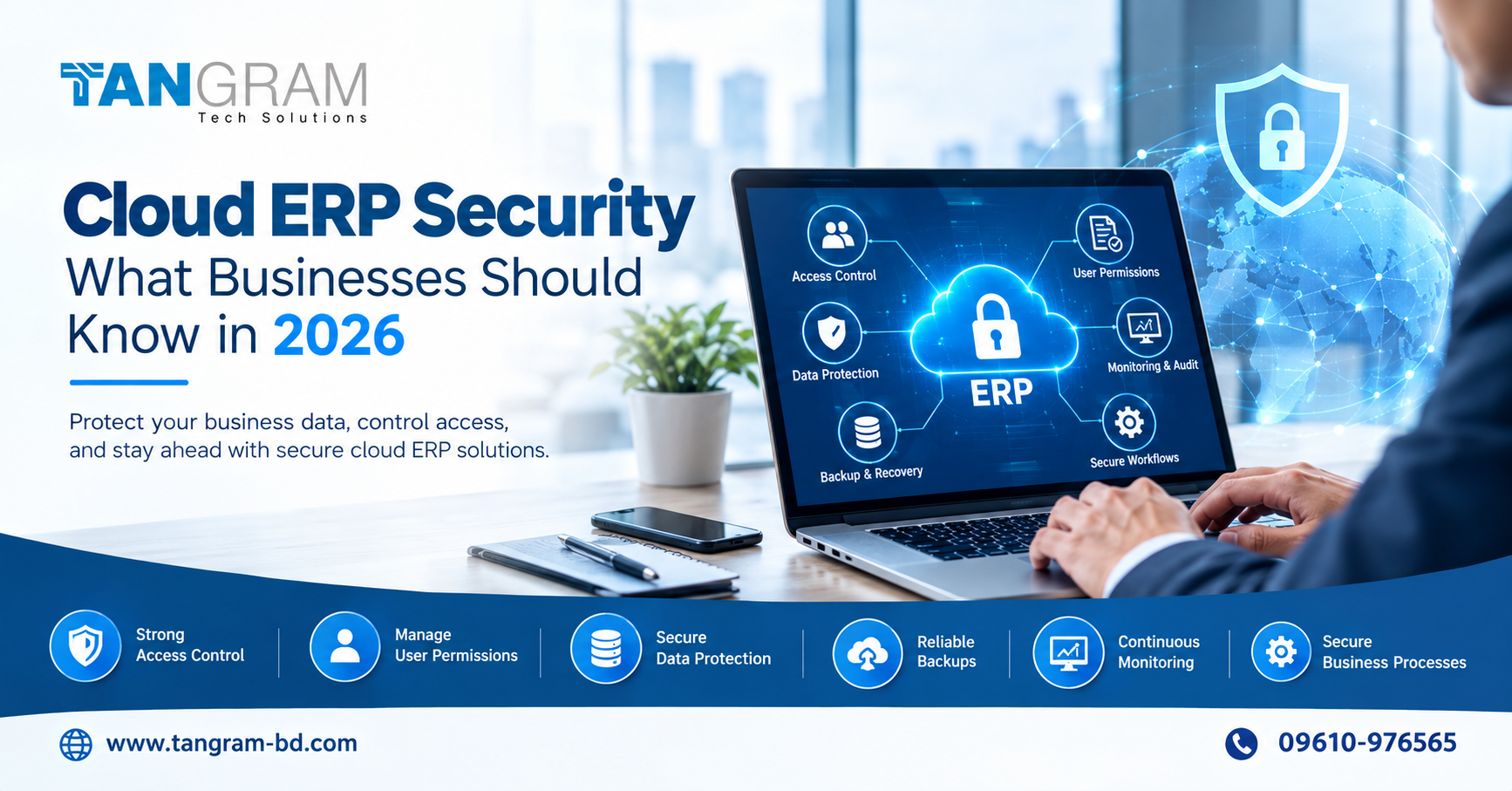
Cloud ERP Security: What Businesses Should Know in 2026
Businesses rely on their ERP systems to manage financial records, customer information, supplier details and daily operations. Moving these activities to the cloud can make information easier to access, but it also raises important questions about security. Who can view sensitive records? How are user accounts protected? What happens if important data is lost or an unusual login occurs?
Cloud ERP security is about protecting business information while allowing employees to use the system safely. For companies in Bangladesh considering cloud ERP software, these questions deserve attention before implementation, not after a problem occurs.
1. Give Employees the Right Level of Access
Not everyone in a company needs access to every business record. Sales staff may need customer and order details, while finance employees require access to invoices and financial reports.
Set user permissions according to each person’s responsibilities. This limits unnecessary access and reduces the chance of accidental changes to important records.
Review permissions whenever someone changes roles or leaves the company. Removing access that is no longer needed is a simple step that can make a meaningful difference.
2. Make Login Security a Priority
A weak or shared password can put sensitive business information at risk. Use strong, unique passwords and enable multifactor authentication wherever the system supports it.
Pay particular attention to administrator accounts because they often have permission to change system settings and manage other users. Employees should also know how to recognize suspicious emails and report unexpected login requests.
These measures help reduce the risk of unauthorized access without making everyday work unnecessarily complicated.
3. Understand How Business Data Is Protected
An ERP system may contain financial information, employee records, customer details and commercially sensitive documents. Before choosing a provider, understand what security measures are available to protect this information.
Ask about data encryption, access controls, audit logs and the provider’s approach to security incidents. Also clarify which responsibilities belong to the provider and which must be handled by your own business.
Cloud security is a shared responsibility. A capable provider matters, but so do sensible internal policies and responsible use of the system.
4. Prepare for Data Loss and Service Disruption
Accidental deletion, technical problems and cyber incidents can interrupt business operations. Having a recovery plan helps a company respond without making rushed decisions.
Ask your ERP provider about backup arrangements, data retention and recovery procedures. Find out what information can be restored and how long recovery may take.
Where appropriate, maintain independent copies of critical business information and test recovery procedures regularly. A backup is valuable only if the business knows how to restore it when necessary.
5. Monitor Activity and Review User Accounts
Unusual login attempts, unexpected changes to permissions or access to sensitive records may signal a problem.
Use the available audit logs and monitoring tools to review important activity. Decide who will investigate suspicious events and how employees should report potential security issues.
Regular reviews can also uncover inactive accounts, excessive permissions and system settings that no longer reflect company policy.
6. Check Integrations and Business Workflows
Most ERP systems connect with other applications, such as ecommerce platforms, CRM tools, banking services and reporting software. Each connection can introduce additional security considerations.
Use approved integrations, limit access to what each connection actually needs and remove applications that are no longer in use.
Review sensitive workflows as well. Payments, supplier bank detail changes and financial approvals should have appropriate checks in place. Automation can save time, but important decisions should not bypass necessary authorization.
7. Keep Employees Informed
Security is not just a technology issue. Employees need to understand how to handle sensitive information, protect their login details and report suspicious activity.
Provide practical guidance and revisit it when the business changes. New employees, additional branches and new software integrations can all affect how information should be protected.
Cloud ERP Security for Businesses in Bangladesh
For companies researching NetSuite ERP Bangladesh, Oracle NetSuite offers cloud based ERP capabilities that connect financial management with other business processes. Before implementation, businesses should review the available security controls, user permissions, integration requirements and recovery arrangements relevant to their needs.
Tangram Tech Solutions supports businesses with NetSuite implementation, customization, integration, data migration, training and ongoing support. Discussing security requirements early helps ensure that system configuration and business workflows are considered together.
Conclusion
Protecting a cloud ERP system involves more than choosing the right software. Businesses need clear access rules, secure login practices, reliable recovery arrangements, regular monitoring and employees who understand their responsibilities.
Start by reviewing who can access your business information, what changes they can make and how your team would respond to a security incident. Addressing these areas early can help protect valuable records and keep daily operations running more reliably.
Looking for ERP solutions in Bangladesh?
Visit www.tangram-bd.com to learn more about Tangram Tech Solutions and its NetSuite ERP services.
Telephone: 09610-976565