
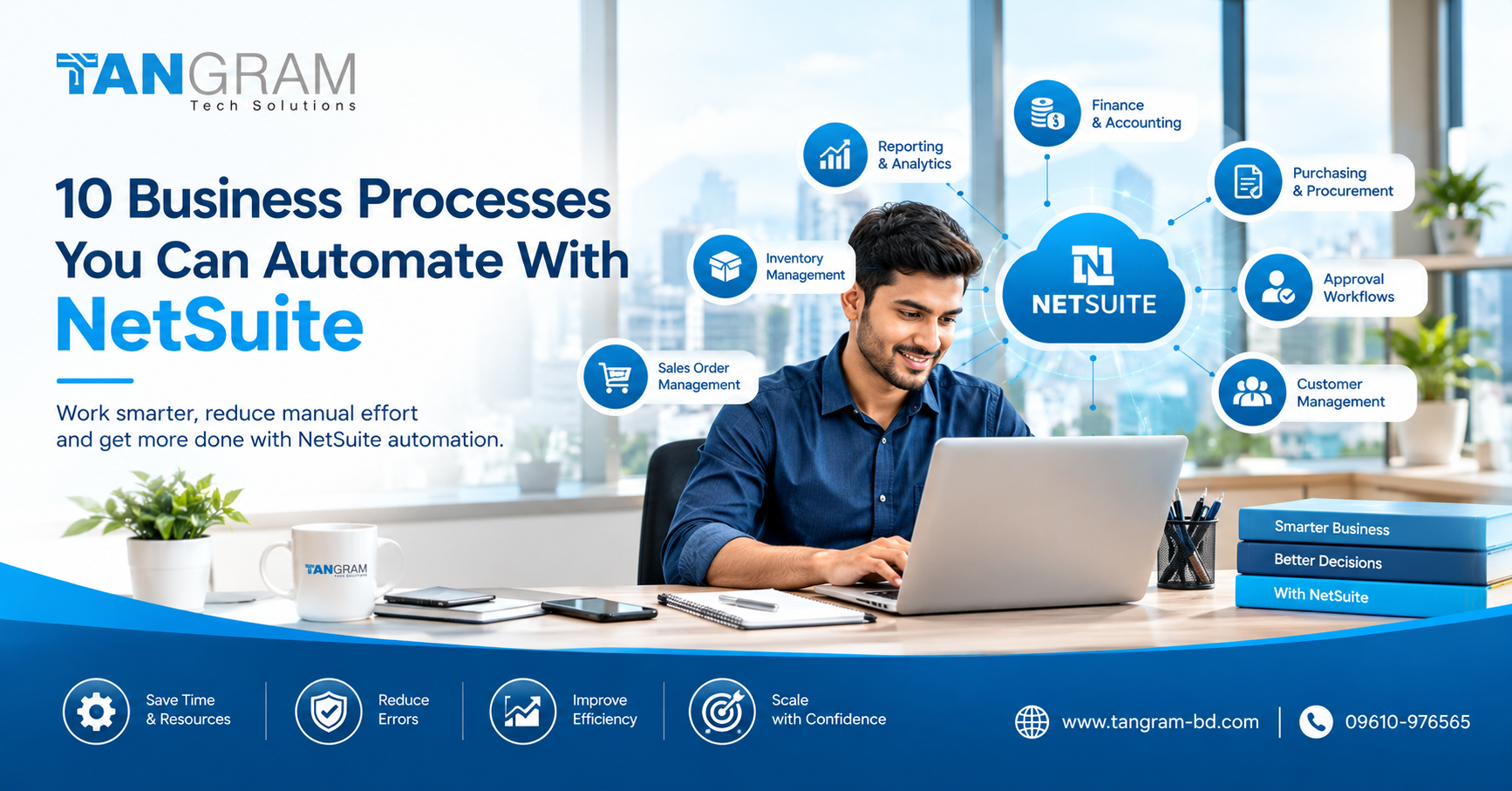
10 Business Processes You Can Automate With NetSuite
As a business grows, managing everyday operations becomes more demanding. Finance teams have more transactions to process, purchasing staff need to keep track of suppliers, and sales teams must stay updated on orders and stock availability. When much of this work depends on spreadsheets, emails and manual data entry, small mistakes can quickly turn into bigger problems.
NetSuite automation helps businesses simplify routine tasks by connecting information and setting up workflows around their day to day operations. Instead of spending hours updating records or chasing approvals, employees can focus on customers, planning and decisions that move the business forward.
Here are ten processes worth reviewing if you want to make your business operations more efficient.
1. Invoice Processing
Preparing invoices and keeping track of payments can become time consuming when order volumes increase. NetSuite can connect sales transactions with financial records, helping reduce repeated data entry and making it easier for finance teams to monitor invoices and outstanding balances.
2. Purchase Approvals
A purchase request can sit for days when employees have to follow up with managers by email. With configured approval workflows, requests can be sent to the appropriate person according to company policies and spending limits. This makes the process easier to follow without removing necessary checks.
3. Inventory Replenishment
Too much stock ties up working capital, while shortages can delay customer deliveries. NetSuite inventory tools can help businesses monitor stock levels and identify replenishment requirements. With suitable settings in place, teams can plan purchases more effectively and respond to potential shortages earlier.
4. Sales Order Processing
When an order arrives, employees need to confirm its details, check availability and coordinate delivery. Connecting sales orders with inventory and financial records helps teams work with consistent information and reduces the need to enter the same details repeatedly.
5. Financial Reporting
Preparing monthly reports from separate files can take hours and leave little time for analysis. NetSuite reports and dashboards can bring relevant financial information together, helping managers review revenue, expenses and outstanding payments more easily. Reliable results still depend on accurate records and proper review.
6. Expense Management
Processing employee expenses often involves collecting receipts, checking claims and obtaining approval. Depending on the features and configuration in use, NetSuite can help organize expense records and approval workflows, making it easier for finance teams to review and record expenses.
7. Purchase Order Tracking
Keeping track of supplier orders manually can make it difficult to know what has arrived and what is still outstanding. Connected purchasing records help employees monitor order status, review expected deliveries and identify delays that could affect production or customer commitments.
8. Customer Payment Follow Ups
Unpaid invoices can put pressure on cash flow. By using accounts receivable records and configured reminders, businesses can identify overdue payments and organize follow ups more consistently. This allows finance teams to spend less time searching for information and more time resolving payment issues.
9. Customer and Order Updates
Customers expect clear answers about their orders and payments. When authorized employees can access connected customer, sales and financial information, they can respond more confidently without contacting several departments for every update.
10. Management Dashboards and Alerts
Business owners need to know when something requires attention. Configured dashboards, reports and notifications can highlight pending approvals, important figures and unusual activity. The real value comes from choosing information that helps managers take action rather than overwhelming them with unnecessary alerts.
Is NetSuite Automation Right for Businesses in Bangladesh?
For businesses researching NetSuite ERP Bangladesh, automation can help connect finance, purchasing, inventory, sales and reporting within a single business management platform. The available features depend on the selected modules, business requirements and system configuration.
Before automating a process, review how your team currently handles it. Identify unnecessary steps, agree on approval rules and make sure the underlying data is accurate. Automating an inefficient process without addressing its problems may simply make those problems happen faster.
Tangram Tech Solutions helps businesses plan their NetSuite journey through implementation, customization, integration, data migration, training and ongoing support.
Conclusion
You do not need to automate every business process at once. Start with the tasks that consume the most time, create repeated errors or delay important decisions. Once you can see the results, you can decide which processes to improve next.
With the right planning and configuration, NetSuite automation can reduce routine administrative work, improve visibility and help businesses manage growth with greater confidence.
Looking for NetSuite ERP solutions in Bangladesh?
Visit www.tangram-bd.com to learn more about Tangram Tech Solutions and its NetSuite ERP services.
Telephone: 09610-976565